
 Repository
Current collected state Current
Observed since 20 Oct, 19:37 UTC
No superseded metadata states collected. Unchanged observations do not create new revisions.
lightweight 3d engine based on SVG
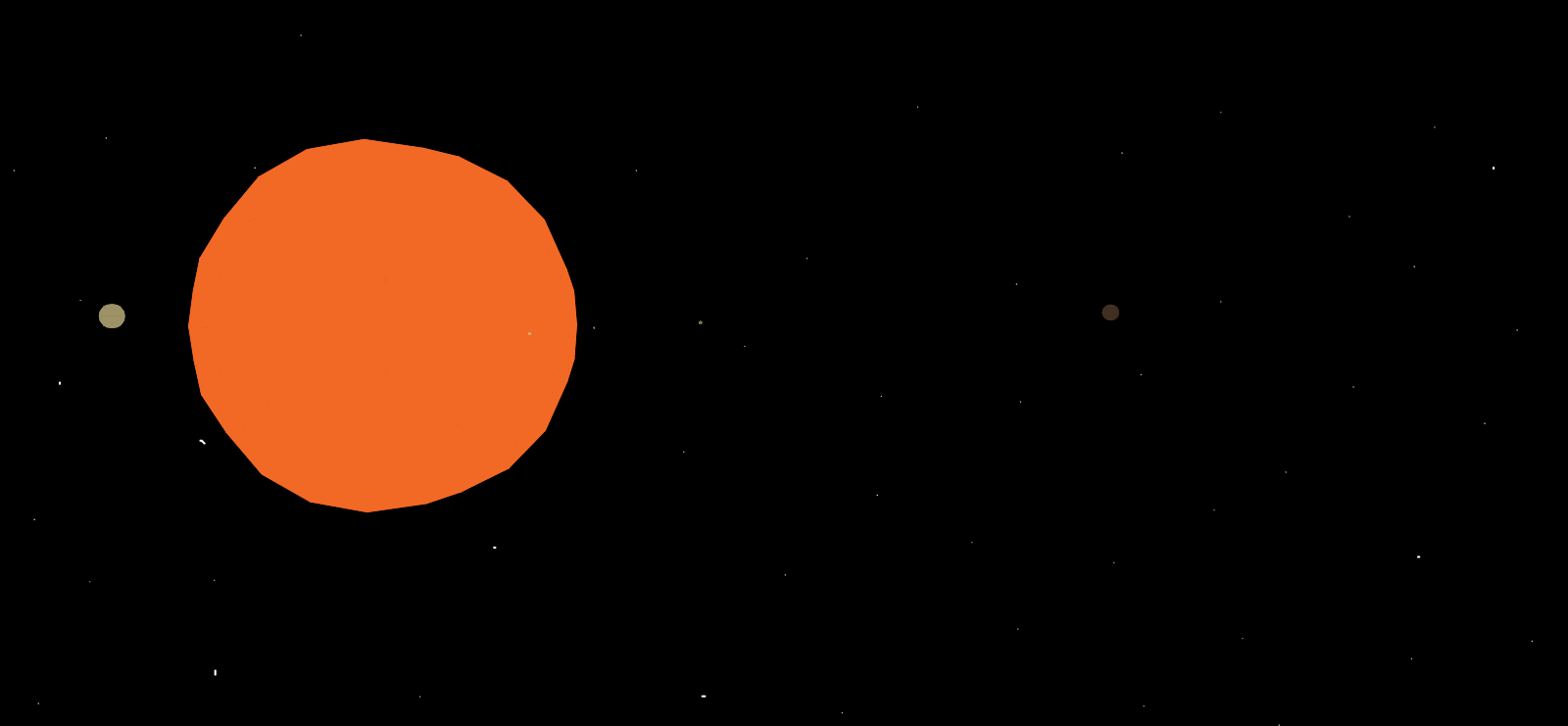
Lightweight 3d engine that uses SVG as a rendering environment.
Used technologies:
You can link to a 3d SVG engine files hosted online. You can use these links:
<script src="https://cdn.jsdelivr.net/gh/manInit/3d-svg-engine/dist/3dengine.dist.js"></script>
and
<link rel="stylesheet" href="https://cdn.jsdelivr.net/gh/manInit/3d-svg-engine/dist/3dengine.css">
A sample HTML page might look like this:
<!DOCTYPE html>
<html lang="en">
<head>
    <meta charset="UTF-8">
    <title>Starter template</title>
    <link rel="stylesheet" href="https://cdn.jsdelivr.net/gh/manInit/3d-svg-engine/dist/3dengine.css">
</head>
<body>
  <div id="world"></div>
  <script src="https://cdn.jsdelivr.net/gh/manInit/3d-svg-engine/dist/3dengine.dist.js"></script>
  <script>
    add(cube(10))
  </script>
</body>
</html>
Root elem for render is element with id = "world". This element should be in document
For pointer lock you should click on root tag.
You can rotate camera with mouse movement. And next keys to control camera:
| Key | Effect |
|---|---|
| WASD | Move camera |
| shift | Flying down |
| spacebar | Flying up |
| arrows | Rotate camera |
Here some examples usage this library
Create object of cube
| Param | Description | Default | Example |
|---|---|---|---|
| size | Cube side length | - | 10.23 |
| x | x coordinate of the center of the cube | 0 | 12 |
| y | y coordinate of the center of the cube | 0 | 23 |
| z | z coordinate of the center of the cube | 0 | 34 |
| color | Cube color | 'black' | '#ff4433ee' |
Create object of pyramid
| Param | Description | Default | Example |
|---|---|---|---|
| size | Pyramid side length | - | 23.4 |
| x | x coordinate of the center of the pyramid | 0 | 23.3 |
| y | y coordinate of the center of the pyramid | 0 | 534.2 |
| z | z coordinate of the center of the pyramid | 0 | -23.3 |
| color | Pyramid color | 'black' | '#ffee99ee' |
Create object of parallelepiped
| Param | Description | Default | Example |
|---|---|---|---|
| sizea | Parallelepiped length to depth | - | 23.4 |
| sizeb | Parallelepiped height | - | -12.3 |
| sizec | Parallelepiped width | - | -10.3 |
| x | x coordinate of the center of the parallelepiped | 0 | 23 |
| y | y coordinate of the center of the parallelepiped | 0 | 2.2 |
| z | z coordinate of the center of the parallelepiped | 0 | -3.2 |
| color | Pyramid color | 'black' | '#ff443366' |
Create object of sphere
| Param | Description | Default | Example |
|---|---|---|---|
| r | Sphere radius | - | 34.4 |
| x | x coordinate of the center of the parallelepiped | 0 | 23 |
| y | y coordinate of the center of the parallelepiped | 0 | 23.4 |
| z | z coordinate of the center of the parallelepiped | 0 | 34.5 |
| color | Pyramid color | 'black' | '#99339900' |
All figures have methods for moving and rotating
Мove the figure. Arguments define how much the figure moves in each direction.
| Param | Description | Default | Example |
|---|---|---|---|
| x | Moves along x axis | - | 23 |
| y | Moves along y axis | - | 23.4 |
| z | Moves along z axis | - | 34.5 |
Rotate figure around the center coordinates (Angles in degrees).
| Param | Description | Default | Example |
|---|---|---|---|
| ax | Rotate around the x axis | - | 23 |
| ay | Rotate around the y axis | - | 23.4 |
| az | Rotate around the z axis | - | 34.5 |
You have access to the global player object which contains information about the camera position and direction of view. You can set these properties too. Like this:
player.position = { x: 100, y: 150, z: 100 }
| Property | Description | Example |
|---|---|---|
| position | Object with coords camera position | { x: 23, y: 46, z: -100 } |
| rotation | Object with angles of camera (angles in degrees) | { ax: 123, ay: 10, az: -10 } |
Add objects on scene
| Param | Description | Default | Example |
|---|---|---|---|
| ...objects | Objects we want to add to the scene | - | cube(12), sphere(23), pyramid(1) |
Use custom function to update state scene. Like move figures or rotate and etc. This function will be called every frame
| Param | Description | Default | Example |
|---|---|---|---|
| callbackFunction | Function | - | () => myCube.translate(1, 0, 0) |
Set background image to scene. This image will be translated left/right with rotate camera.
| Param | Description | Default | Example |
|---|---|---|---|
| urlImage | Path to image | - | './sky.png' |
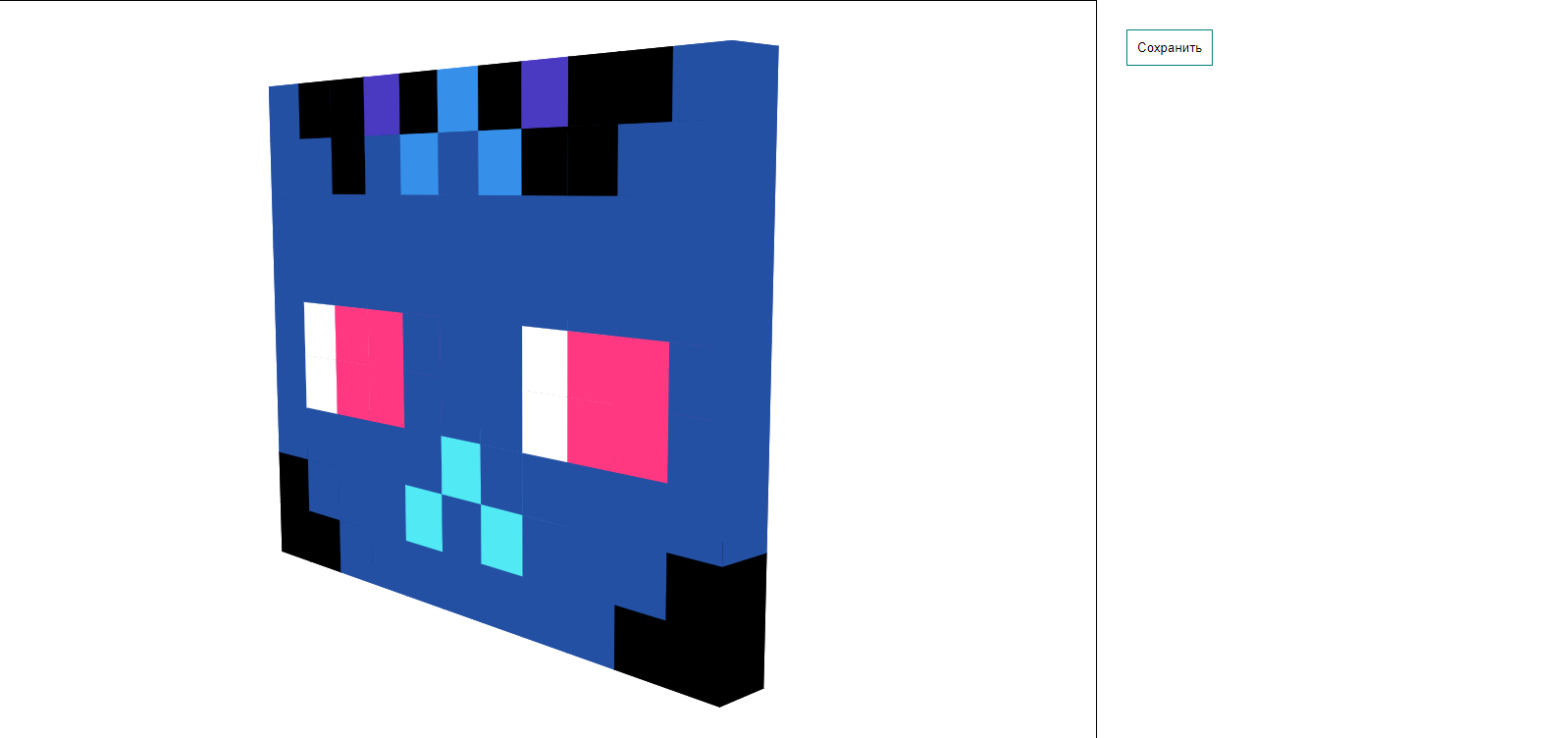
Capture screenshot and download as SVG file
Without params
Download counts and popularity will appear here as the collector receives them.
| Version | Published | Direct dependencies | Open version |
|---|---|---|---|
| 0.1.0Registry latest | 24 May 2022 | 13 |
This describes our collected data; it is not a security assessment.
Observed since 20 Oct, 19:37 UTC
No superseded metadata states collected. Unchanged observations do not create new revisions.
package:eb2338774e06152501e0387b6bc086634eab4a8262eb8e22bfcf5c4e6a8a78c3