
 Repository
Current collected state Current
Observed since 20 Oct, 16:57 UTC
No superseded metadata states collected. Unchanged observations do not create new revisions.
Character and Corporation statistics, including detailed information on ESS, Ratting, Trading, Mining, and other activities.









Character and Corporation PvE statistics, including detailed information on ESS, Ratting, Trading, Mining, and other activities.
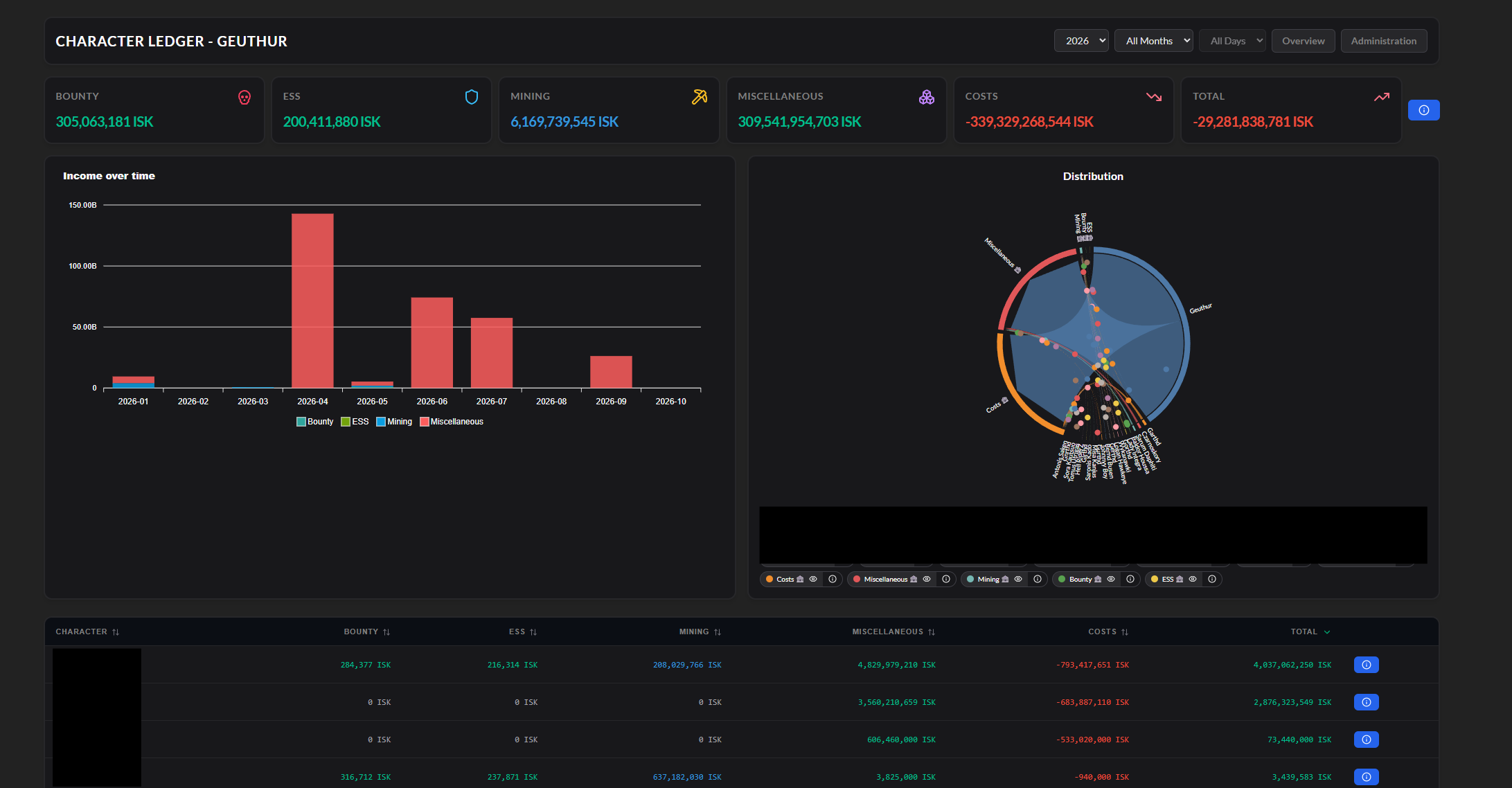
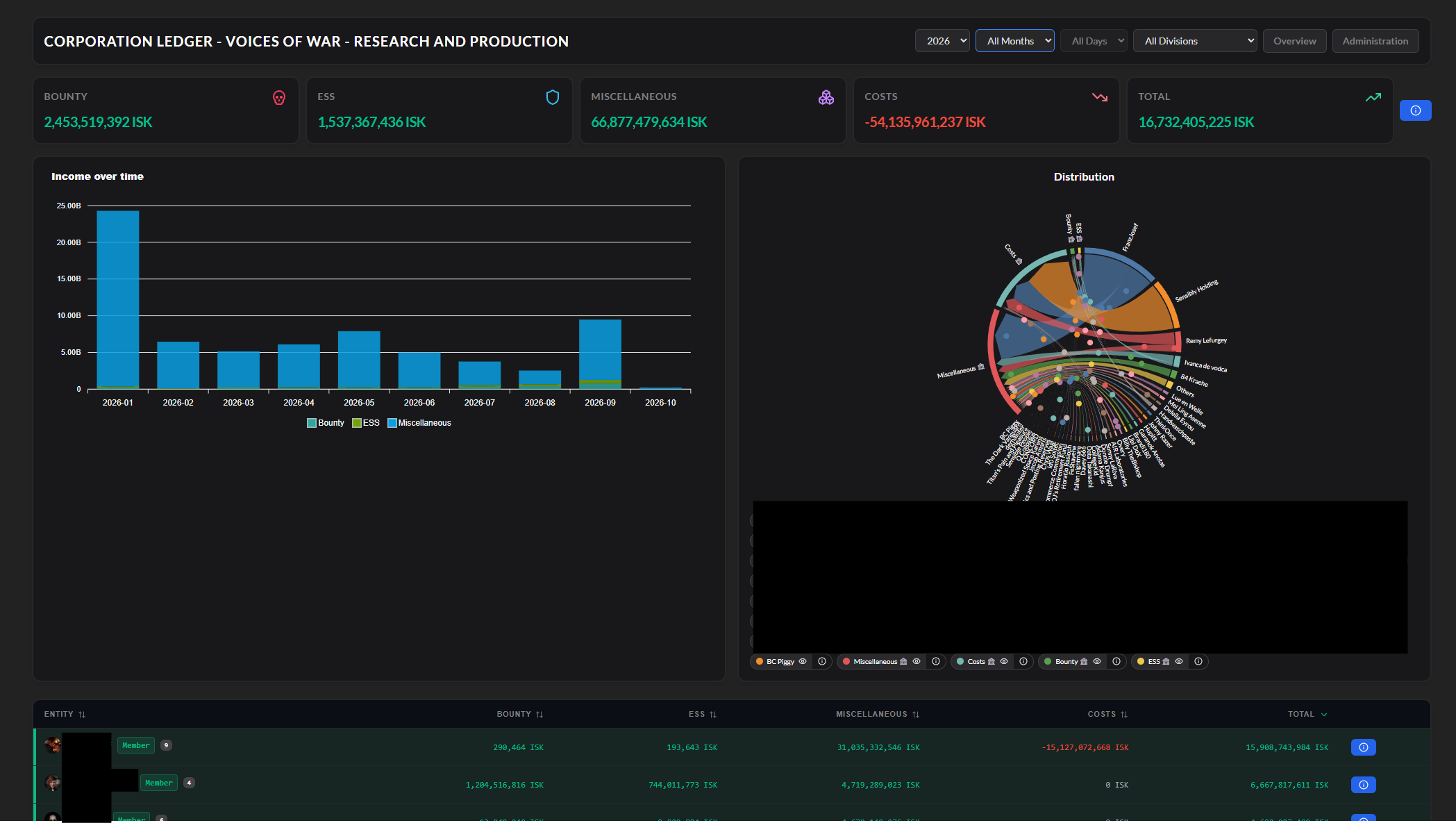
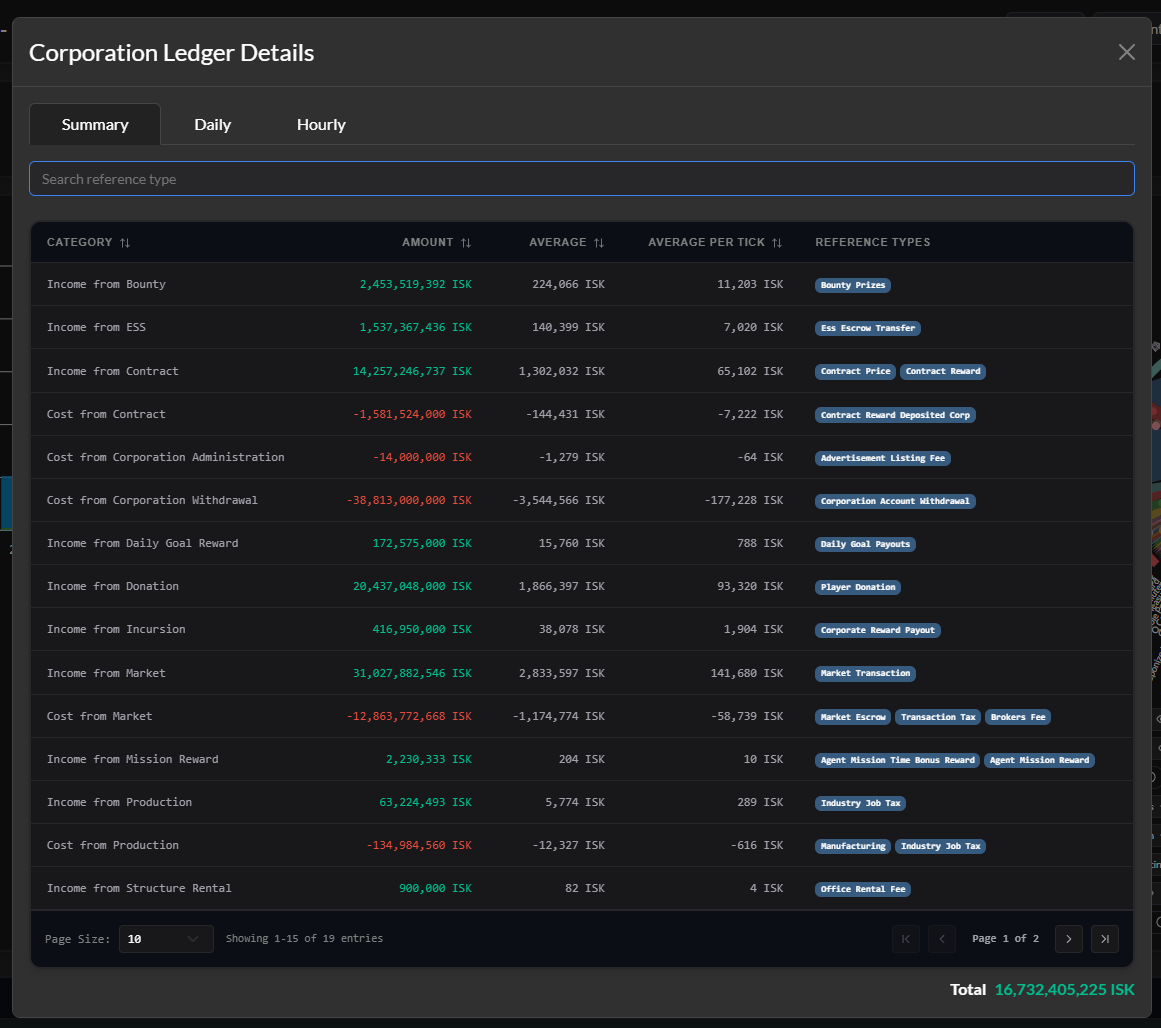
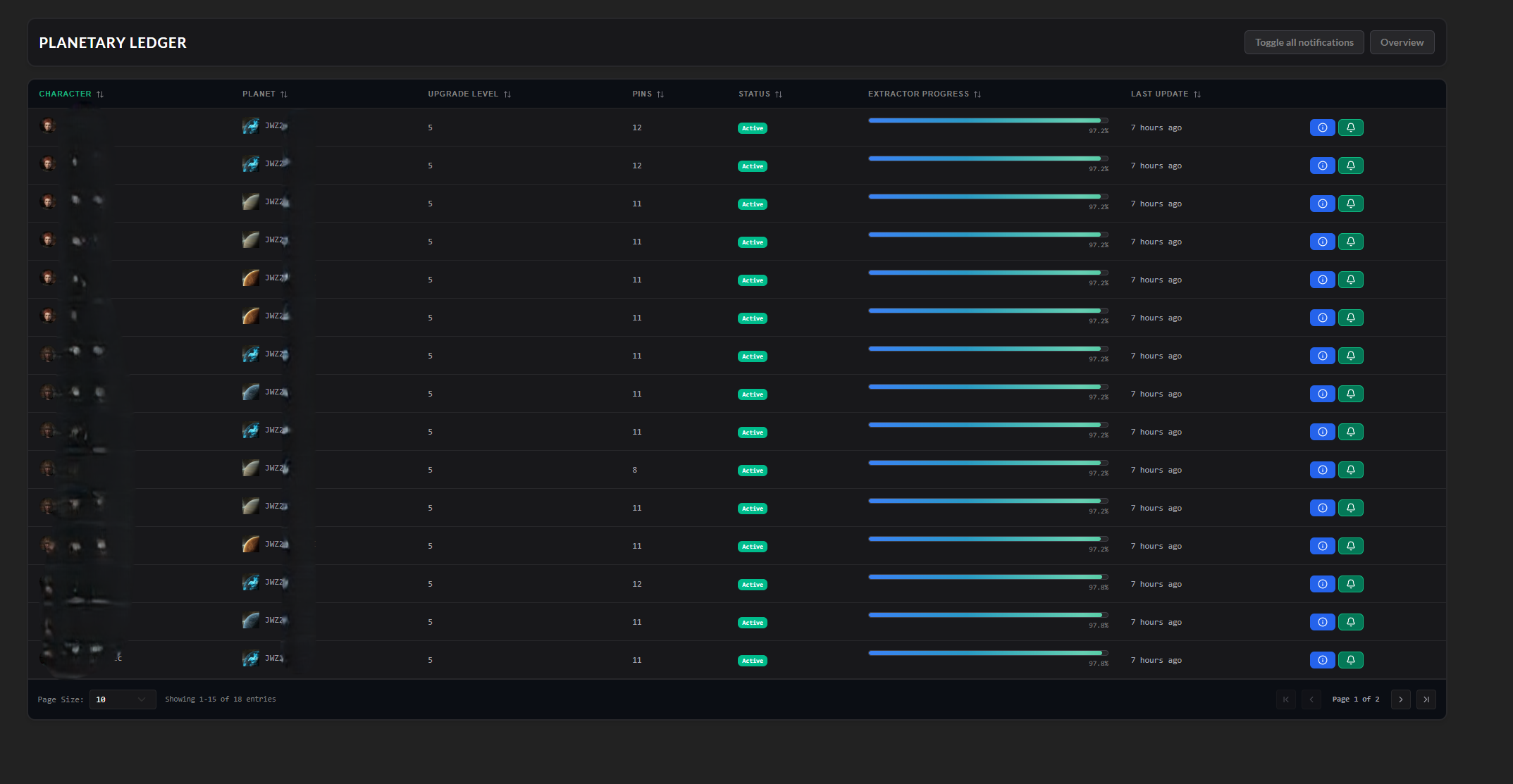
[!NOTE] AA Ledger needs at least Alliance Auth v5 Please make sure to update your Alliance Auth before you install this APP
Make sure you're in your virtual environment (venv) of your Alliance Auth then install the pakage.
pip install aa-ledger
Configure your Alliance Auth settings (local.py) as follows:
INSTALLED_APPS = [
    # other apps
    "eve_sde",  # only if it not already existing
    "ledger",
    # other apps?
]

# This line is right below the `INSTALLED_APPS` list, if not already exist!
INSTALLED_APPS = ["modeltranslation"] + INSTALLED_APPS
To set up the Scheduled Tasks add following code to your local.py
if "ledger" in INSTALLED_APPS:
    CELERYBEAT_SCHEDULE["AA Ledger :: Update Subset Characters"] = {
        "task": "ledger.tasks.update_subset_characters",
        "schedule": 1800,
    }
    CELERYBEAT_SCHEDULE["AA Ledger :: Update Subset Corporations"] = {
        "task": "ledger.tasks.update_subset_corporations",
        "schedule": 1800,
    }
    CELERYBEAT_SCHEDULE["AA Ledger :: Check Planetary Notification"] = {
        "task": "ledger.tasks.check_planetary_alarms",
        "schedule": 10800,
    }
This also only need to be added if it is not already!
if "eve_sde" in INSTALLED_APPS:
    # Run at 12:00 UTC each day
    CELERYBEAT_SCHEDULE["EVE SDE :: Check for SDE Updates"] = {
        "task": "eve_sde.tasks.check_for_sde_updates",
        "schedule": crontab(minute="0", hour="12"),
    }
To set up the Logger add following code to your local.py
Ensure that you have writing permission in logs folder.
LOGGING["handlers"]["ledger_file"] = {
    "level": "INFO",
    "class": "logging.handlers.RotatingFileHandler",
    "filename": os.path.join(BASE_DIR, "log/ledger.log"),
    "formatter": "verbose",
    "maxBytes": 1024 * 1024 * 5,
    "backupCount": 5,
}
LOGGING["loggers"]["extensions.ledger"] = {
    "handlers": ["ledger_file"],
    "level": "DEBUG",
}
AA Ledger uses EVE SDE data to map IDs to names for EveTypes. You will need to preload some data from SDE once.
python manage.py migrate eve_sde
python manage.py esde_load_sde
Migrate the app and collect static.
python manage.py migrate ledger
python manage.py collectstatic --noinput
With the Following IDs you can set up the permissions for the Ledger
[!IMPORTANT] Character, Corporation, Alliance Ledger only show Data from User has access to
advanced_accessgive User access to see own Corporations he is in
| ID | Description | |
|---|---|---|
basic_access | Can access the Ledger module | All Members with the Permission can access the Ledger. |
advanced_access | Can access Corporation and Alliance Ledger | Can see Corporation & Alliance Ledger. |
manage_access | Can Manage Ledger | Can add/manage Corporations, Alliances. |
char_audit_manager | Has Access to all characters for own Corp | Can see all Characters from Corps he is |
char_audit_admin_manager | Has Access to all Characters | Can see all Characters. |
corp_audit_manager | Has Access to own Corporations | Can see own Corporations. |
corp_audit_admin_manager | Has Access to all Corporations | Can see all Corporations. |
The Following Settings can be setting up in the local.py
"YOURNAME" - Set the name of the APP7200 - Defines the time (in seconds) a task will timeoutTrue - Defines if Mining Ledger use Compressed Price or Raw0.9- Defines Mining Price multiplier500 - Maximum database batch size per operation. Reduce (e.g., 250) if encountering 'max_allowed_packet' errors, increase for better performance if MySQL is configured with higher limitsAdvanced Settings: Stale Status for Each Section
{ "wallet_journal": 30, "wallet_division": 30, "mining_ledger": 30, "planets": 30, "planets_details": 30, } - Defines the stale status duration (in minutes) for each section.
Help us translate this app into your language or improve existing translations. Join our team!"
You want to improve the project? Please ensure you read the contribution guidelines
Download counts and popularity will appear here as the collector receives them.
| Version | Published | Direct dependencies | Open version |
|---|---|---|---|
| 4.0.3 | 18 Oct 2026 | 10 |
This describes our collected data; it is not a security assessment.
Observed since 20 Oct, 16:57 UTC
No superseded metadata states collected. Unchanged observations do not create new revisions.
package:747bd369f3dcc750031f30ab6ff31b9e9f52cba1c51058ff87a8407f732a6c19