
 Repository
Current collected state Current
Observed since 20 Oct, 18:27 UTC
No superseded metadata states collected. Unchanged observations do not create new revisions.
A professional crawler for American Chemical Society papers with modern web dashboard



A professional web-based crawler for American Chemical Society (ACS) papers with modern dashboard and analytics.
专业的 ACS(美国化学会)论文网络爬虫,具有现代化仪表板和分析功能。
English | 中文 | 📚 Documentation
/docsOption 1: Docker (Recommended)
# Start with Docker Compose
docker compose up -d

# Access at http://localhost:8000

# Stop
docker compose down
Option 2: Local Installation
# Install dependencies
pip install -r requirements.txt

# (Optional) Configure ChromeDriver path
# Copy .env.example to .env and set CHROMEDRIVER_PATH if needed
cp .env.example .env
# Edit .env to set your ChromeDriver path (Windows users especially)

# Run the application
python run.py

# Open browser
http://localhost:8000
Option 3: Install from PyPI
pip install acs_crawler

# Run the web interface
python -m uvicorn acs_crawler.api.main:app --host 0.0.0.0 --port 8000
ChromeDriver Path (Optional)
By default, ChromeDriver is automatically downloaded. If you want to use your own ChromeDriver:
.env.example to .envCHROMEDRIVER_PATH to your ChromeDriver executable pathExamples:
# Windows
CHROMEDRIVER_PATH=C:\Program Files\Google\Chrome\Application\chromedriver-win64\chromedriver.exe

# Linux/Mac
CHROMEDRIVER_PATH=/usr/local/bin/chromedriver

# WSL (Windows path from WSL)
CHROMEDRIVER_PATH=/mnt/c/Program Files/Google/Chrome/Application/chromedriver-win64/chromedriver.exe
See full documentation for workarounds and best practices.
Full documentation available in the docs/ directory:
cd docs
make html
# Open docs/_build/html/index.html
Or read online: Documentation
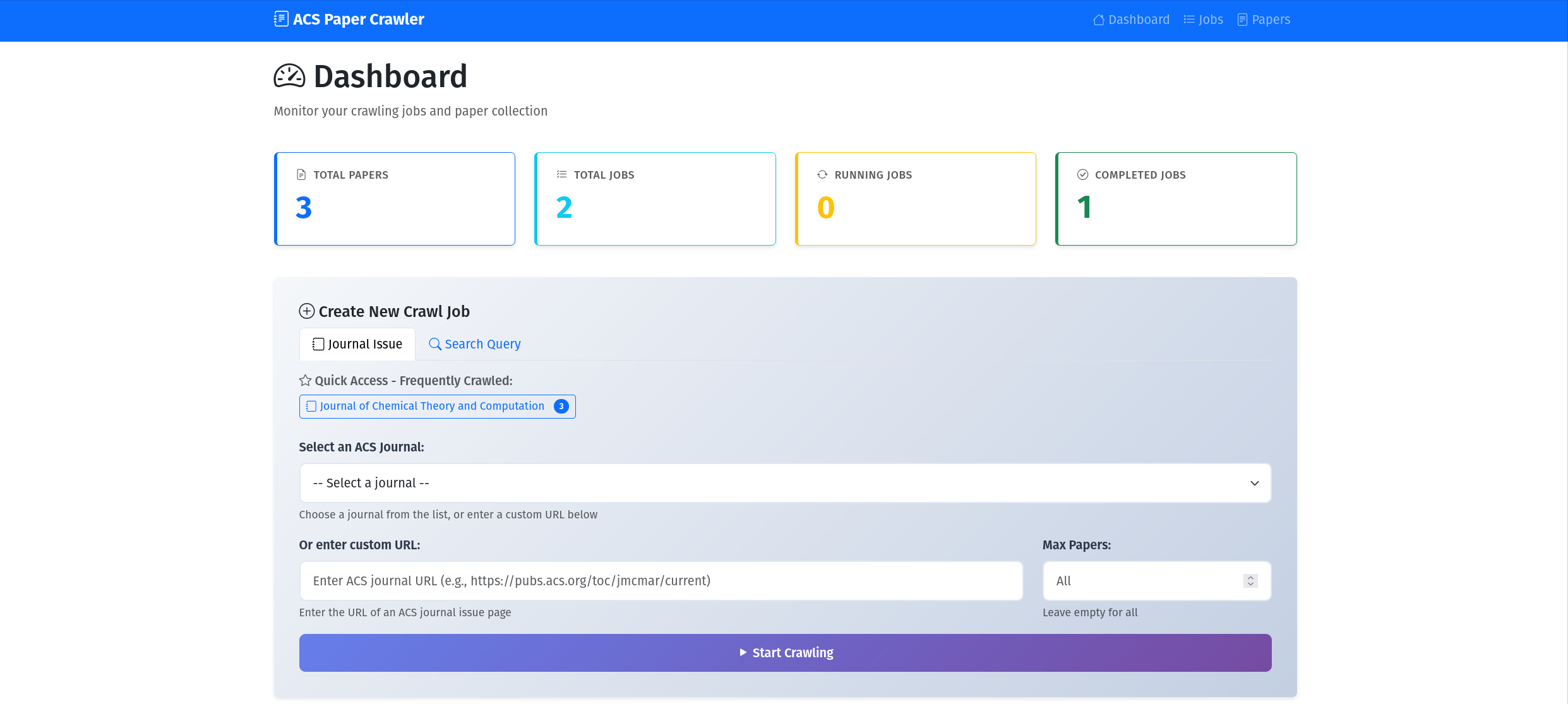 Dashboard with statistics and charts
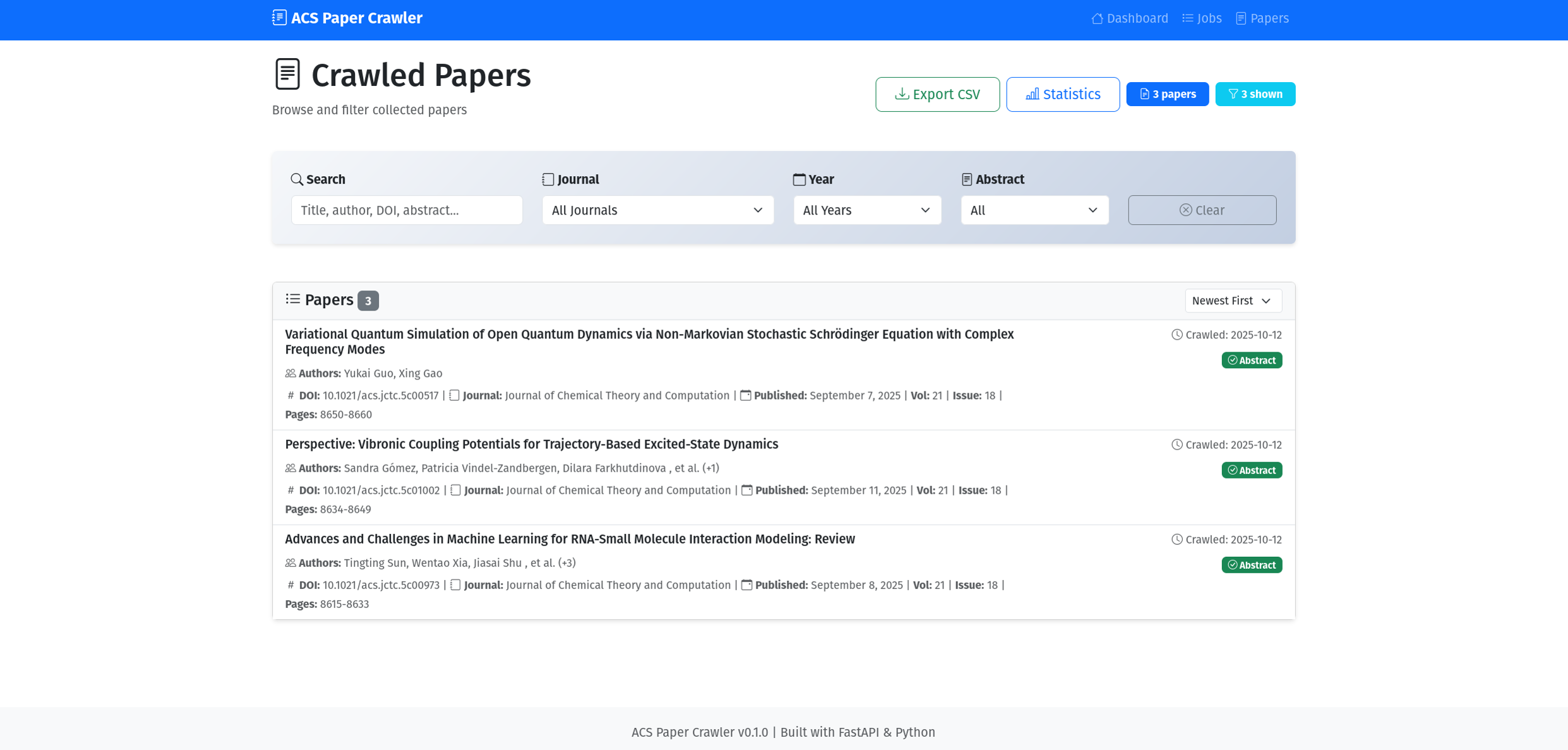 Advanced paper filtering
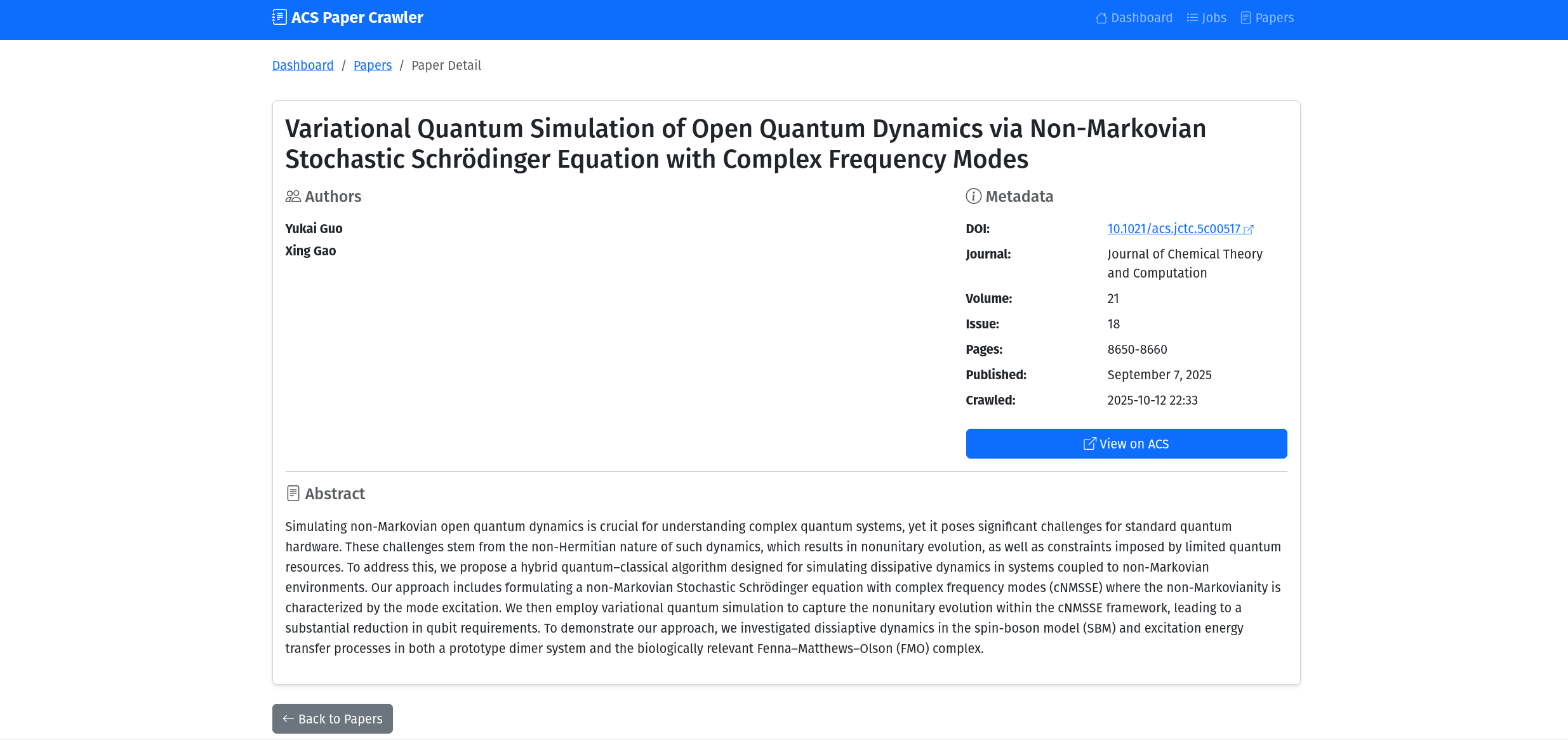 Detailed paper view
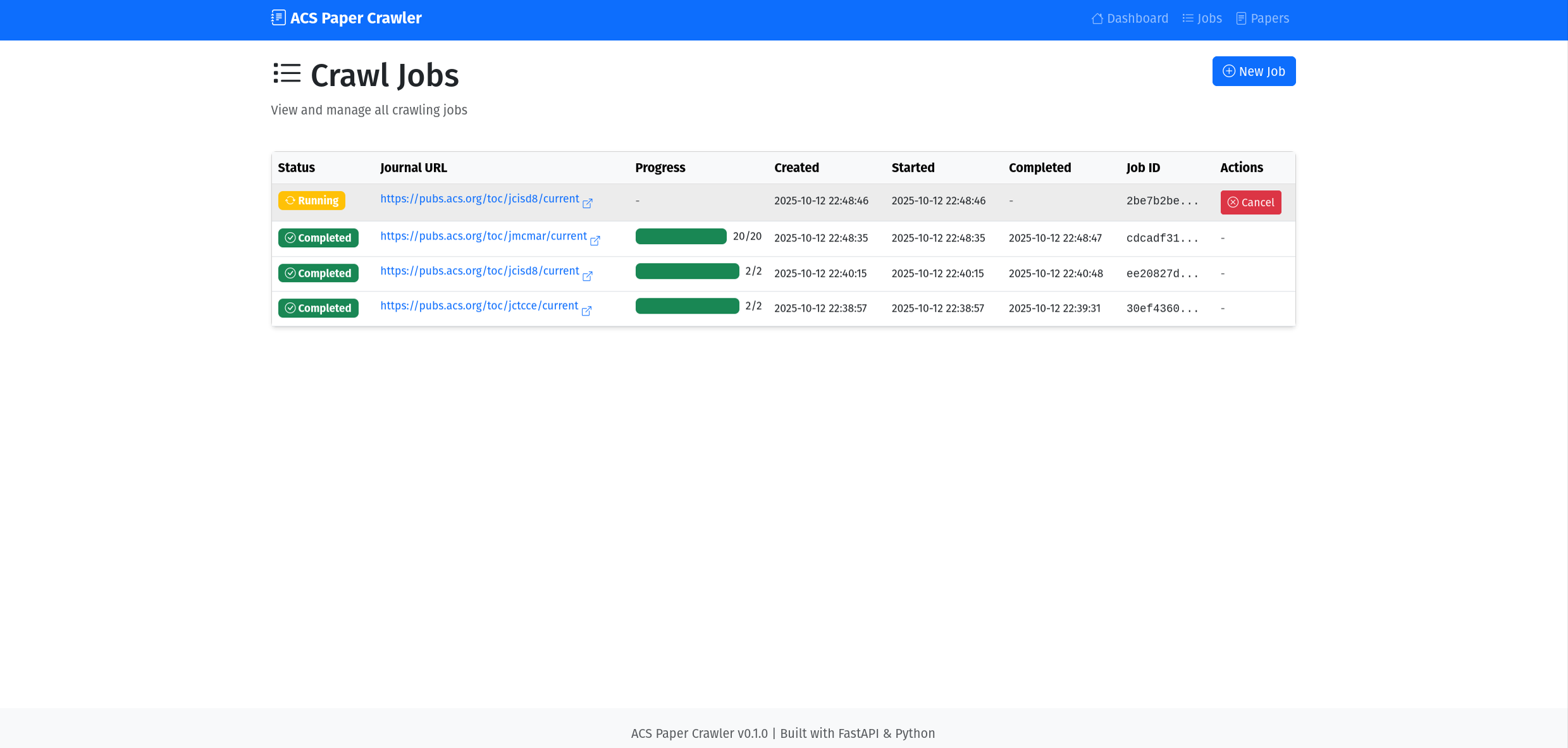 Job management with cancellation
Copyright (c) 2025 ACS Paper Crawler Contributors
This software is for educational and research purposes only.
See LICENSE and full documentation for details.
/docs方式一:Docker(推荐)
# 使用 Docker Compose 启动
docker compose up -d

# 访问 http://localhost:8000

# 停止
docker compose down
方式二:本地安装
# 安装依赖
pip install -r requirements.txt

# 运行应用
python run.py

# 打开浏览器
http://localhost:8000
详见完整文档获取解决方法和最佳实践。
完整文档位于 docs/ 目录:
cd docs
make html
# 打开 docs/_build/html/index.html
或在线阅读:文档
带统计和图表的仪表板
高级论文过滤
详细的论文视图
带取消功能的任务管理
版权所有 (c) 2025 ACS Paper Crawler 贡献者
本软件仅用于教育和研究目的。
ACS_crawler/
├── src/acs_crawler/      # Source code / 源代码
├── docs/                 # Documentation / 文档
├── data/                 # Database / 数据库
├── logs/                 # Logs / 日志
├── run.py               # Entry point / 入口
└── README.md            # This file / 本文件
Backend: FastAPI, SQLite, Selenium, BeautifulSoup4 Frontend: Bootstrap 5, Chart.js, Vanilla JavaScript
Contributions welcome! Please see CONTRIBUTING.md
欢迎贡献!请查看贡献指南
Happy Crawling! / 爬取愉快! 🚀
Download counts and popularity will appear here as the collector receives them.
| Version | Published | Direct dependencies | Open version |
|---|---|---|---|
| 0.1.3 | 21 Oct 2025 | 20 |
This describes our collected data; it is not a security assessment.
Observed since 20 Oct, 18:27 UTC
No superseded metadata states collected. Unchanged observations do not create new revisions.
package:67642010f205af6bc0c5306c1fbed33dff96bba5a5537489344b426e0ade247f