
 Repository
Current collected state Current
Observed since 20 Oct, 22:11 UTC
No superseded metadata states collected. Unchanged observations do not create new revisions.
AI-powered documentation generator for large codebases with interactive mindmap visualization.
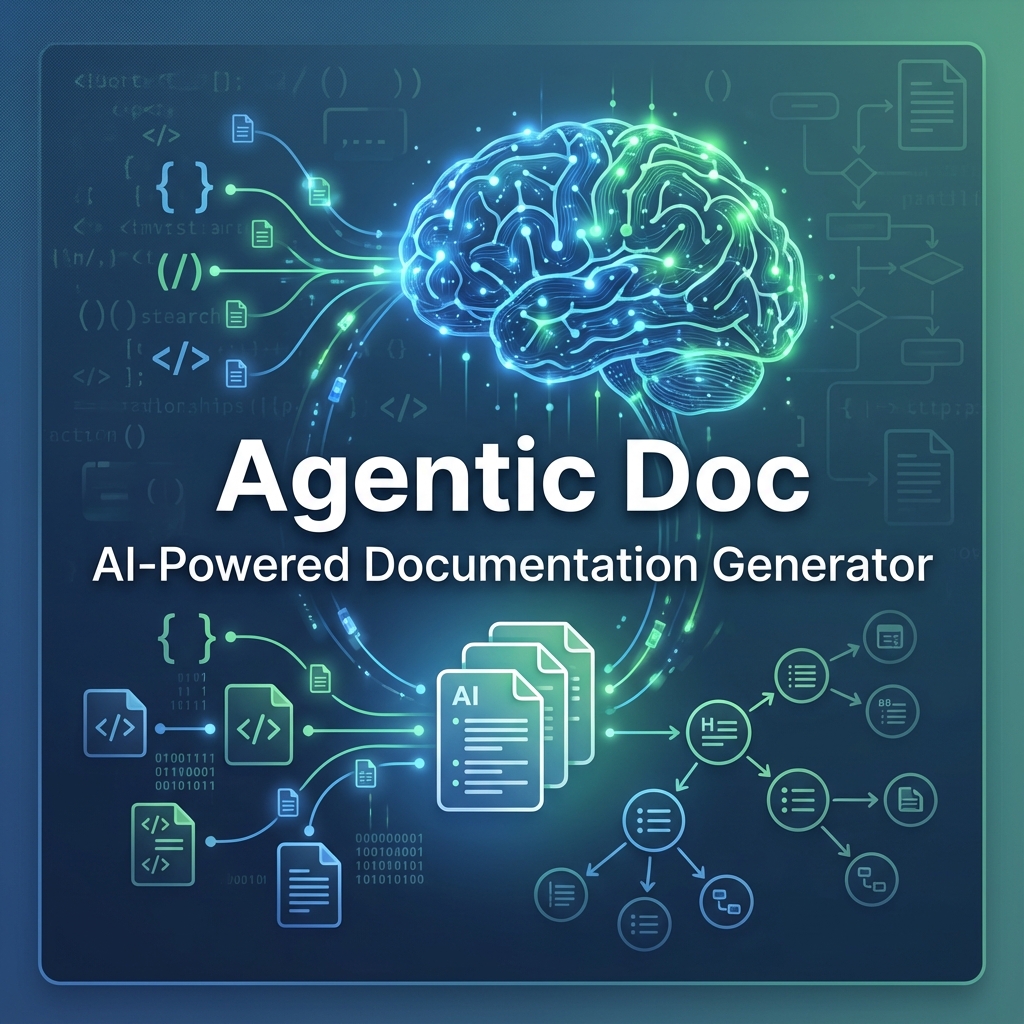


Professional AI-Powered Documentation Generator for Large Codebases
A powerful CLI tool that uses AI (OpenAI GPT or Google Gemini) to automatically generate comprehensive, multi-level documentation for codebases of any size. Features interactive mindmap visualization, dependency analysis, and smart caching.
Created, Designed, and Developed by Ish Kapoor
Role: Product Manager & Full-Stack Developer
This project was conceived and built from the ground up as a comprehensive solution to the documentation problem in modern software development. Every aspect—from architecture design to implementation—was carefully crafted to deliver a professional-grade tool that scales to enterprise codebases.
Vision: Transform documentation from a manual burden into an automated, AI-powered process that keeps pace with code evolution.
.gitignore support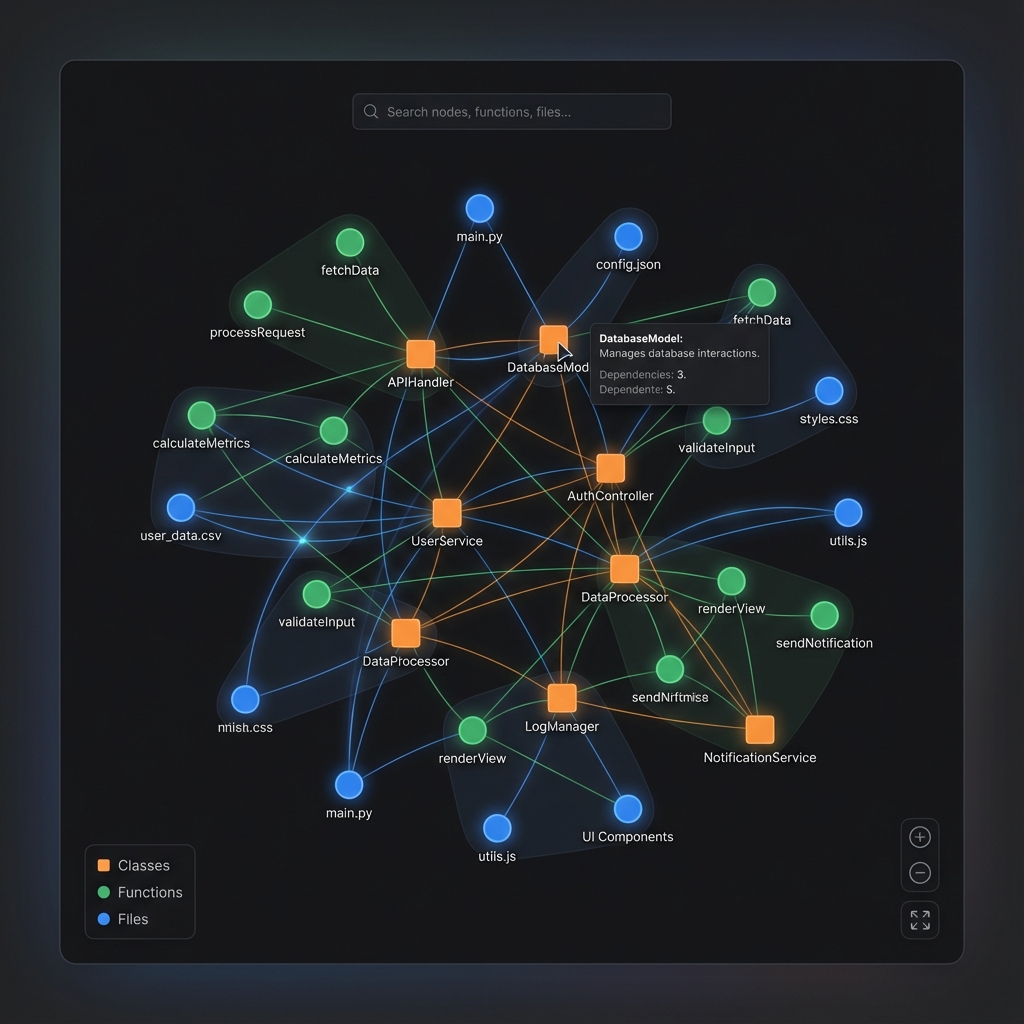 Explore your codebase with force-directed graph visualization showing files, functions, and dependencies
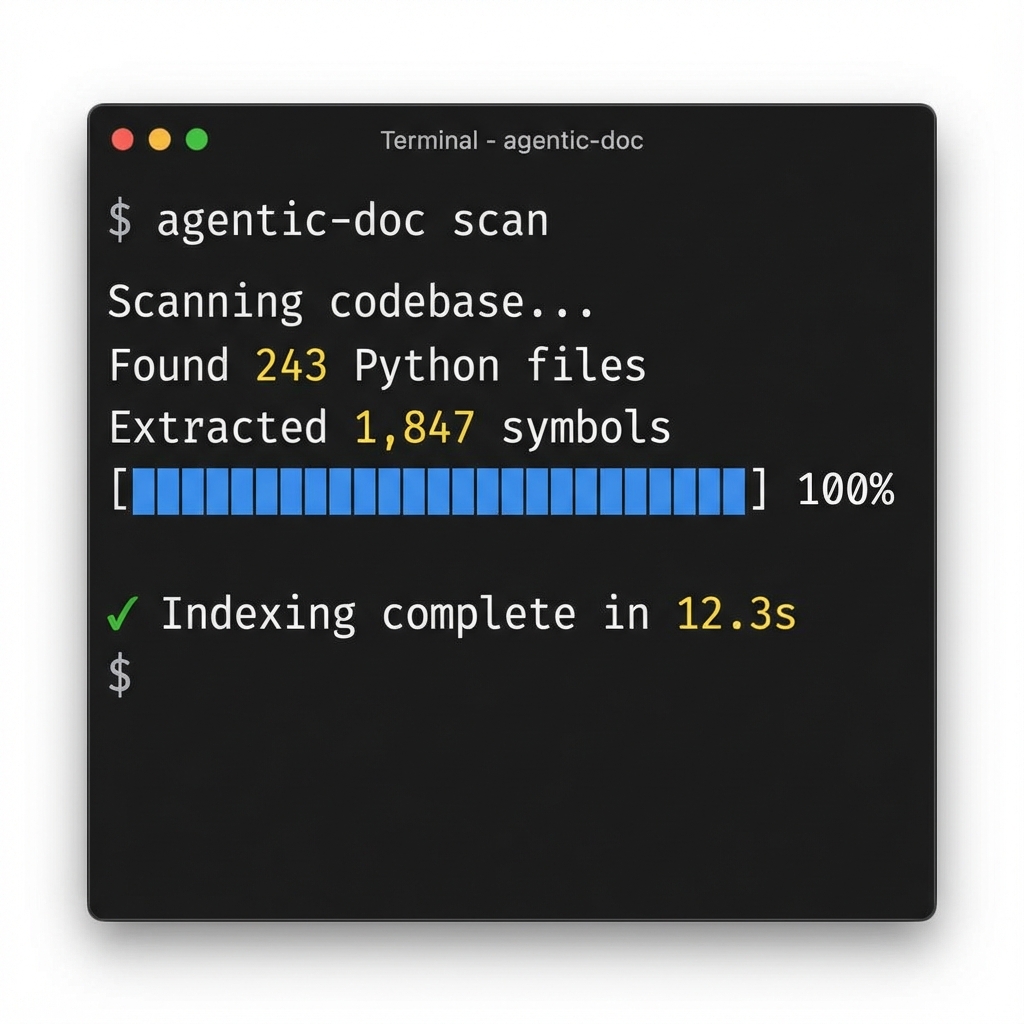 Beautiful terminal output with progress tracking and detailed statistics
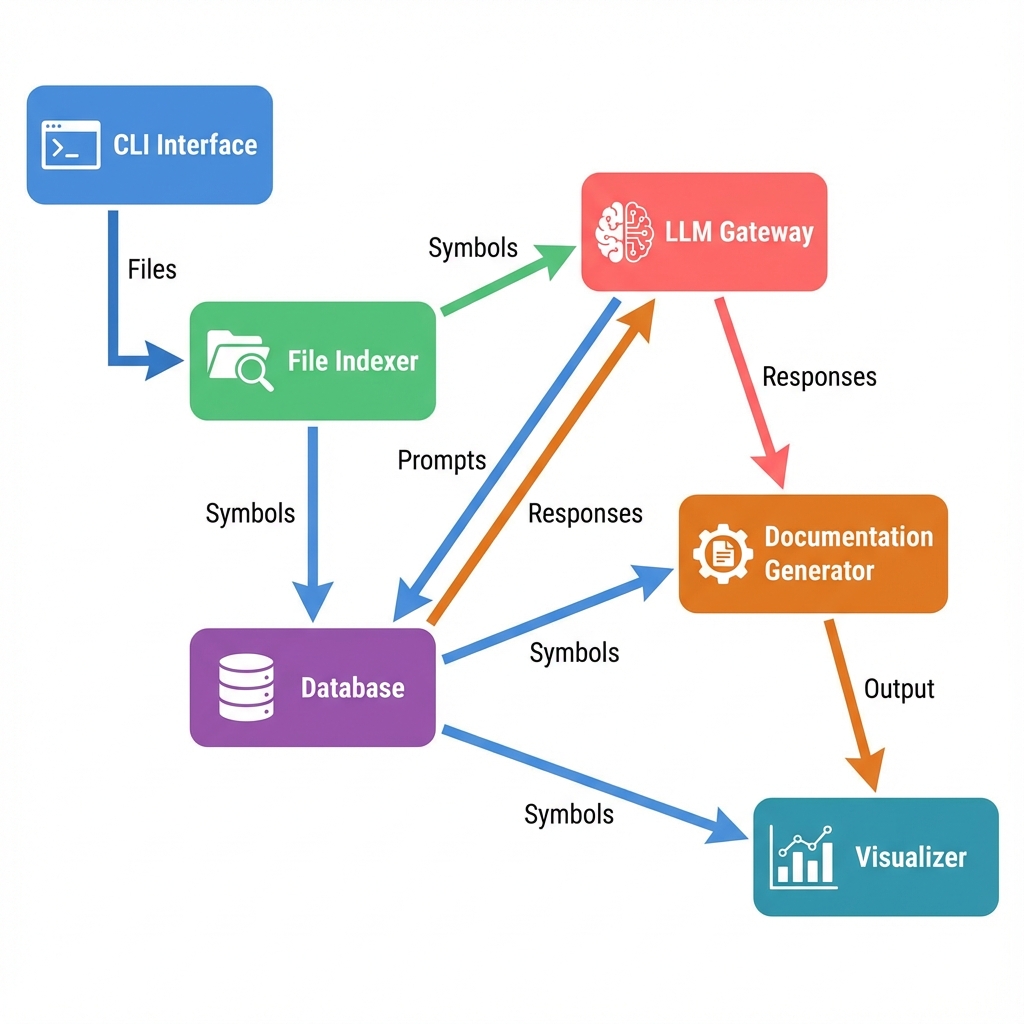 Clean, modular architecture designed for scalability and extensibility
# Install from PyPI (when published)
pip install agentic-aish

# Or install from source
git clone https://github.com/ishkapoor2000/agentic-ai.git
cd agentic-ai
pip install -e .
# 1. Configure your API keys and provider
agentic-doc configure

# 2. Initialize your project
agentic-doc init

# 3. Scan your codebase
agentic-doc scan

# 4. Generate documentation
agentic-doc doc files --limit 10

# 5. Create interactive mindmap
agentic-doc mindmap
# Interactive configuration wizard
agentic-doc configure

# Switch between providers
agentic-doc switch-provider gemini
agentic-doc switch-provider openai

# Check current configuration
agentic-doc status
# Generate standard file documentation
agentic-doc doc files --limit 100

# Generate enhanced documentation (with dependencies & usage)
agentic-doc doc files --limit 50 --enhanced

# Generate directory-level documentation
agentic-doc doc dirs

# Generate architecture overview
agentic-doc doc architecture
# Generate interactive HTML mindmap
agentic-doc mindmap

# Generate Mermaid diagram
agentic-doc mindmap --format mermaid

# Visualize dependencies
agentic-doc visualize-deps

# Generate interactive Mermaid viewer
agentic-doc visualize-deps --format mermaid-html

# Export graph data
agentic-doc graph --format json
agentic-doc graph --format html
Gain deep insights into your codebase structure and usage patterns.
Identify the most critical parts of your codebase ("load-bearing" code).
# Generate a "Hot Functions Report" ranking functions by usage frequency
agentic-doc analyze-deps --show-hot
Understand how your code is used in practice with real examples.
# Document usage patterns for functions used at least 5 times
agentic-doc use-cases --min-usage 5
Trace the complete call graph for specific functions.
# Generate detailed "Who calls whom?" reports
agentic-doc function-usage
You can document different subsets of your codebase incrementally:
# Day 1: Document only the API layer
agentic-doc doc files --paths "app/api/**/*.py" --limit 20 --enhanced

# Day 2: Document the utilities
agentic-doc doc files --paths "app/utils/**/*.py" --limit 15 --enhanced

# Day 3: Document the database layer
agentic-doc doc files --paths "app/db/**/*.py" --limit 10 --enhanced
Benefits:
agentic-doc configure and select Geminiagentic-doc configure and select OpenAIEvery documentation generation command automatically tracks and displays API usage:
==================================================
API Request Summary
==================================================
Total Requests: 45
Session Duration: 127.3s

By Provider:
  gemini: 45
==================================================
The mindmap feature creates a beautiful, interactive visualization of your codebase:
--limit to test on a subset of filesEstimated costs (using gpt-4o-mini):
docs/
├── files/
│   ├── agentic_doc/
│   │   ├── cli.py.md
│   │   ├── config.py.md
│   │   └── ...
│   └── ...
├── dirs/
│   ├── agentic_doc/
│   │   ├── analysis.md
│   │   ├── db.md
│   │   └── ...
│   └── ...
├── architecture/
│   └── overview.md
├── analysis/
│   └── hot-functions.md
└── graph.html  # Interactive mindmap
.agentic-doc.yml:
root_path: .
model_provider: gemini  # or 'openai' or 'mock'
gemini_model: gemini-2.0-flash-exp
openai_model: gpt-4o-mini
exclude_globs:
  - '**/node_modules/**'
  - '**/.git/**'
  - '**/__pycache__/**'
  - '**/.venv/**'
For detailed architectural documentation, see docs/ARCHITECTURE.md.
Key Components:
# Install build tools
pip install build

# Build wheel and source distribution
python -m build

# Install locally
pip install dist/agentic_doc-1.0.0-py3-none-any.whl
# Install twine
pip install twine

# Upload to PyPI
twine upload dist/*
Contributions, issues, and feature requests are welcome! See CONTRIBUTING.md for guidelines.
This project is licensed under the MIT License - see the LICENSE file for details.
Copyright (c) 2025 Ish Kapoor
"No symbols with sufficient usage found"
If use-cases returns this error, your dependency index might be empty. Run a forced scan to rebuild it:
agentic-doc scan --force
API Key Errors
Ensure your .env file is in the root directory or configure keys globally:
agentic-doc configure
For other issues, questions, or feature requests, please open an issue on GitHub.
Concept, Design, and Development: Ish Kapoor
Built with passion to solve real-world documentation challenges in enterprise software development.
Made with ❤️ by Ish Kapoor
Product Manager & Developer
Download counts and popularity will appear here as the collector receives them.
| Version | Published | Direct dependencies | Open version |
|---|---|---|---|
| 1.0.3 | 26 Nov 2025 | 15 |
This describes our collected data; it is not a security assessment.
Observed since 20 Oct, 22:11 UTC
No superseded metadata states collected. Unchanged observations do not create new revisions.
package:0ecdac938941ff40df20e3156a576e38389eaf078ceb3140934a53a6aed5e1ae