
 Repository
Current collected state Current
Observed since 20 Oct, 22:26 UTC
No superseded metadata states collected. Unchanged observations do not create new revisions.
Python Toolkit for Declarative AI Agent Development




Build and experiment with AI agents using simple declarative specs.

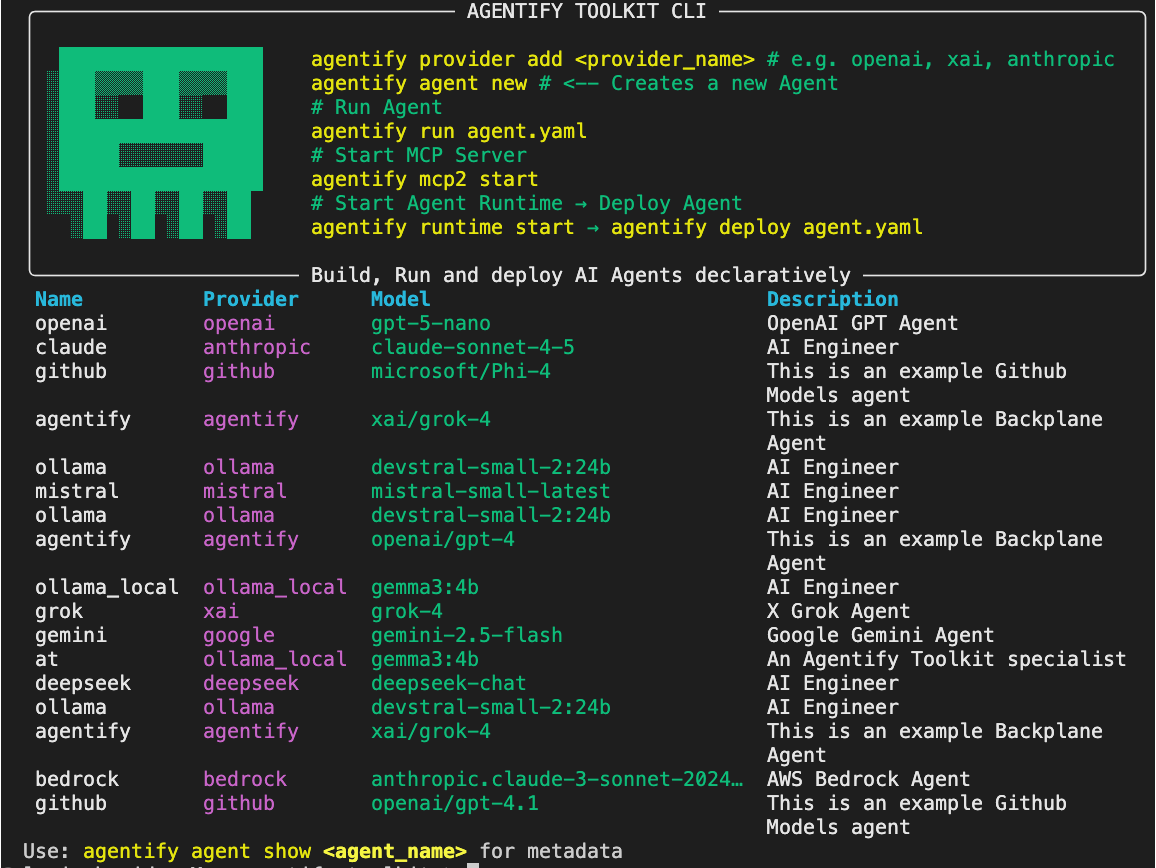
Agentify is a lightweight, declarative-first toolkit for prototyping AI agents. It lets you define agents as YAML specs and test them rapidly from the CLI or Python, without committing to a framework or model provider.
Note: Agentify is not a workflow orchestrator or production framework. It’s simply for agent building, experimentation and prototyping.
For a more detailed step-by-step Quickstart.
pip install agentify-toolkit
You can configure provider keys either via the CLI or manually through .env.
agentify provider add <provider>
This updates (or creates) your .env file and stores the key for the selected provider.
To list all configured providers:
agentify provider list
To remove a provider key:
agentify provider remove <provider>
.env Filecp .env.example .env
Populate .env with your provider keys:
OPENAI_API_KEY=<your-openai-key>
ANTHROPIC_API_KEY=<your-anthropic-key>
XAI_API_KEY=<your-xai-key>
GOOGLE_API_KEY=<your-google-key>
BEDROCK_API_KEY=<your-bedrock-key>
MISTRAL_API_KEY=<your-mistral-key>
DEEPSEEK_API_KEY=<your-deepseek-key>
OLLAMA_API_KEY=<your-deepseek-key>
Any configured provider will be automatically detected at runtime.
For instructions on how to obtain an Model API key:
| Provider | Model | Link |
|---|---|---|
| OpenAI | GPT-4 | How to obtain an OpenAI API Key |
| Gemini | How to obtain an Google API Key | |
| Anthropic | Claude | How to obtain an Anthropic API Key |
| XAI | Grok | How to obtain an XAI API Key |
| Mistral AI | Mistral | How to obtain an Mistra AI API Key |
| Deepseek | deepseek-chat | How to obtain an Deepseek API Key |
| Ollama | evstral-small-2:24b | How to obtain an Ollama Cloud API Key |
Verify:
agentify provider list
Example Output:
Configured Providers:
  ✓ openai     (sk-s****)
  ✓ anthropic  (sk-a****)
  ✓ deepseek   (sk-5****)
  ✓ mistral    (XOsY****)
  ✓ xai        (xai-****)
  ✓ google     (AIza****)
  ✓ bedrock    (ABSK****)
  ✓ ollama     (4163****)
You can generate an agent spec via the CLI:
agentify agent new
Or define one manually by creating agent.yaml:
name: claude
description: AI Engineer
version: 0.1.0

model:
  provider: anthropic
  id: claude-sonnet-4-5
  api_key_env: ANTHROPIC_API_KEY

role: |
  You are an AI Security Engineer.
  Provide concise, practical answers with examples.
Run an agent directly from its YAML spec:
agentify run agent.yaml
You’ve just built and executed your first AI agent with Agentify.
You’ve just built and executed your first AI agent with Agentify.
agentify run examples/agents
Agentify will present an interactive selector so you can choose which agent to execute.
Models and providers can be swapped without editing the YAML. For example:
agentify run agent.yaml --provider=openai --model=gpt-5-nano
Using overrides is useful for experimentation or benchmarking. Ensure the required API key is configured.
from agentify import Agent

# Create Agent
agent = Agent(
    name="Grok",
    description="X's Grok Agent",
    provider="x",
    model_id="grok-4",
    role="You are an AI Security Architect specialising in X AI Grok models"
)

# Sent Prompt
response = agent.run("Which AI LLM is the best in 1 sentence?")
print(response)
| Action | Command |
|---|---|
| Run from YAML | agentify run agent.yaml |
| Run folder of agents | agentify run examples/agents |
| List agents interactively | agentify agent list [<folder_name>] |
| Add a provider API key | agentify provider add <p> |
| List provider credentials | agentify provider list |
| Provider | Env Var |
|---|---|
| OpenAI | export OPENAI_API_KEY=... |
| Anthropic | export ANTHROPIC_API_KEY=... |
| Gemini | export GEMINI_API_KEY=... |
| XAI (Grok) | export XAI_API_KEY=... |
| Bedrock | export AWS_BEARER_TOKEN_BEDROCK |
Windows:
$env:OPENAI_API_KEY="..."
Install from PyPI:
pip install agentify-toolkit
From source:
git clone https://github.com/backplane-cloud/agentify-toolkit.git
cd agentify-toolkit
pip install .
Apache 2.0 - see LICENSE
Download counts and popularity will appear here as the collector receives them.
| Version | Published | Direct dependencies | Open version |
|---|---|---|---|
| 0.22.0 | 20 Mar 2026 | 15 |
This describes our collected data; it is not a security assessment.
Shared repository data · GitHub
Observed since 20 Oct, 22:26 UTC
No superseded metadata states collected. Unchanged observations do not create new revisions.
package:18972cb9503de13742b1e1452bda14c9134b34a61094ff8f194d3452964afe6e