

Current collected state Current
Observed since 21 Oct, 11:25 UTC
No superseded metadata states collected. Unchanged observations do not create new revisions.
A super-easy way to record, search and compare AI experiments.


About • Features • Demos • Examples • Quick Start • Documentation • Roadmap • Discord Community • Twitter














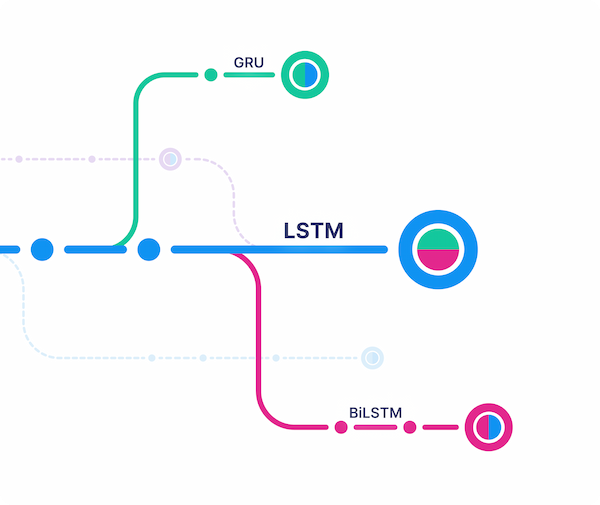
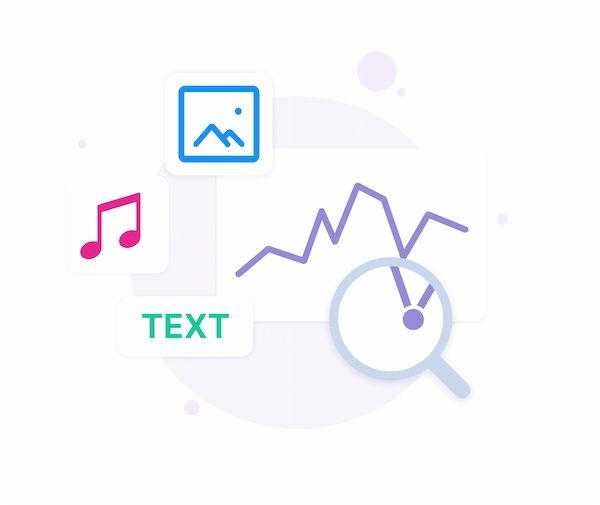
| Track and version ML runs | Visualize runs via beautiful UI | Query runs metadata via SDK |
|---|---|---|
 |  |  |
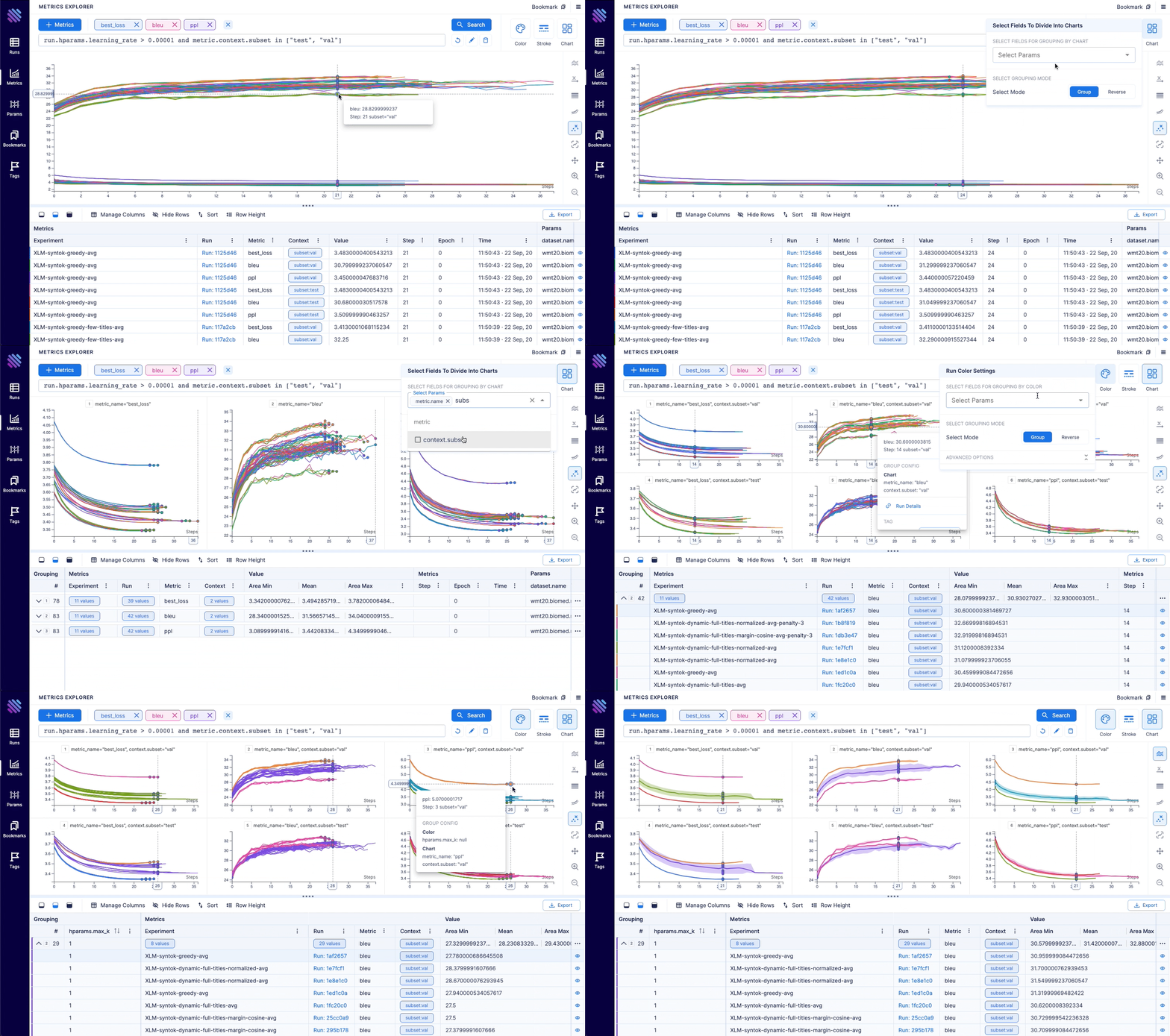
Aim is an open-source, self-hosted ML experiment tracking tool. It's good at tracking lots (1000s) of training runs and it allows you to compare them with a performant and beautiful UI.
You can use not only the great Aim UI but also its SDK to query your runs' metadata programmatically. That's especially useful for automations and additional analysis on a Jupyter Notebook.
Aim's mission is to democratize AI dev tools.
| Machine translation | lightweight-GAN |
|---|---|
 |  |
| Training logs of a neural translation model(from WMT'19 competition). | Training logs of 'lightweight' GAN, proposed in ICLR 2021. |
| FastSpeech 2 | Simple MNIST |
|---|---|
 |  |
| Training logs of Microsoft's "FastSpeech 2: Fast and High-Quality End-to-End Text to Speech". | Simple MNIST training logs. |
Follow the steps below to get started with Aim.
1. Install Aim on your training environment
pip3 install aim
2. Integrate Aim with your code
from aim import Run

# Initialize a new run
run = Run()

# Log run parameters
run["hparams"] = {
    "learning_rate": 0.001,
    "batch_size": 32,
}

# Log metrics
for i in range(10):
    run.track(i, name='loss', step=i, context={ "subset":"train" })
    run.track(i, name='acc', step=i, context={ "subset":"train" })
See the full list of supported trackable objects(e.g. images, text, etc) here.
3. Run the training as usual and start Aim UI
aim up
4. Or query runs programmatically via SDK
from aim import Repo

my_repo = Repo('/path/to/aim/repo')

query = "metric.name == 'loss'" # Example query

# Get collection of metrics
for run_metrics_collection in my_repo.query_metrics(query).iter_runs():
    for metric in run_metrics_collection:
        # Get run params
        params = metric.run[...]
        # Get metric values
        steps, metric_values = metric.values.sparse_numpy()
from aim.pytorch_lightning import AimLogger

# ...
trainer = pl.Trainer(logger=AimLogger(experiment='experiment_name'))
# ...
See documentation here.
from aim.hugging_face import AimCallback

# ...
aim_callback = AimCallback(repo='/path/to/logs/dir', experiment='mnli')
trainer = Trainer(
    model=model,
    args=training_args,
    train_dataset=train_dataset if training_args.do_train else None,
    eval_dataset=eval_dataset if training_args.do_eval else None,
    callbacks=[aim_callback],
    # ...
)
# ...
See documentation here.
import aim

# ...
model.fit(x_train, y_train, epochs=epochs, callbacks=[
    aim.keras.AimCallback(repo='/path/to/logs/dir', experiment='experiment_name')

    # Use aim.tensorflow.AimCallback in case of tf.keras
    aim.tensorflow.AimCallback(repo='/path/to/logs/dir', experiment='experiment_name')
])
# ...
See documentation here.
from aim.keras_tuner import AimCallback

# ...
tuner.search(
    train_ds,
    validation_data=test_ds,
    callbacks=[AimCallback(tuner=tuner, repo='.', experiment='keras_tuner_test')],
)
# ...
See documentation here.
from aim.xgboost import AimCallback

# ...
aim_callback = AimCallback(repo='/path/to/logs/dir', experiment='experiment_name')
bst = xgb.train(param, xg_train, num_round, watchlist, callbacks=[aim_callback])
# ...
See documentation here.
from aim.catboost import AimLogger

# ...
model.fit(train_data, train_labels, log_cout=AimLogger(loss_function='Logloss'), logging_level="Info")
# ...
See documentation here.
from aim.fastai import AimCallback

# ...
learn = cnn_learner(dls, resnet18, pretrained=True,
                    loss_func=CrossEntropyLossFlat(),
                    metrics=accuracy, model_dir="/tmp/model/",
                    cbs=AimCallback(repo='.', experiment='fastai_test'))
# ...
See documentation here.
from aim.lightgbm import AimCallback

# ...
aim_callback = AimCallback(experiment='lgb_test')
aim_callback.experiment['hparams'] = params

gbm = lgb.train(params,
                lgb_train,
                num_boost_round=20,
                valid_sets=lgb_eval,
                callbacks=[aim_callback, lgb.early_stopping(stopping_rounds=5)])
# ...
See documentation here.
from aim.pytorch_ignite import AimLogger

# ...
aim_logger = AimLogger()

aim_logger.log_params({
    "model": model.__class__.__name__,
    "pytorch_version": str(torch.__version__),
    "ignite_version": str(ignite.__version__),
})

aim_logger.attach_output_handler(
    trainer,
    event_name=Events.ITERATION_COMPLETED,
    tag="train",
    output_transform=lambda loss: {'loss': loss}
)
# ...
See documentation here.
Training run comparison
Order of magnitude faster training run comparison with Aim
Scalability
Beloved TB visualizations to be added on Aim
MLFlow is an end-to-end ML Lifecycle tool. Aim is focused on training tracking. The main differences of Aim and MLflow are around the UI scalability and run comparison features.
Run comparison
UI Scalability
Hosted vs self-hosted
:sparkle: The Aim product roadmap
Backlog contains the issues we are going to choose from and prioritize weeklyThe high-level features we are going to work on the next few months
Aim UI
SDK and Storage
Integrations
Download counts and popularity will appear here as the collector receives them.
| Version | Published | Direct dependencies | Open version |
|---|---|---|---|
| 3.15.2.post13 | 6 Jan 2023 | 0 |
This describes our collected data; it is not a security assessment.
Observed since 21 Oct, 11:25 UTC
No superseded metadata states collected. Unchanged observations do not create new revisions.
package:f007a37546aae17718301a15630305d85dfed18195758c25e467840648ba5ae5