

 Repository
Current collected state Current
Observed since 20 Oct, 19:10 UTC
No superseded metadata states collected. Unchanged observations do not create new revisions.
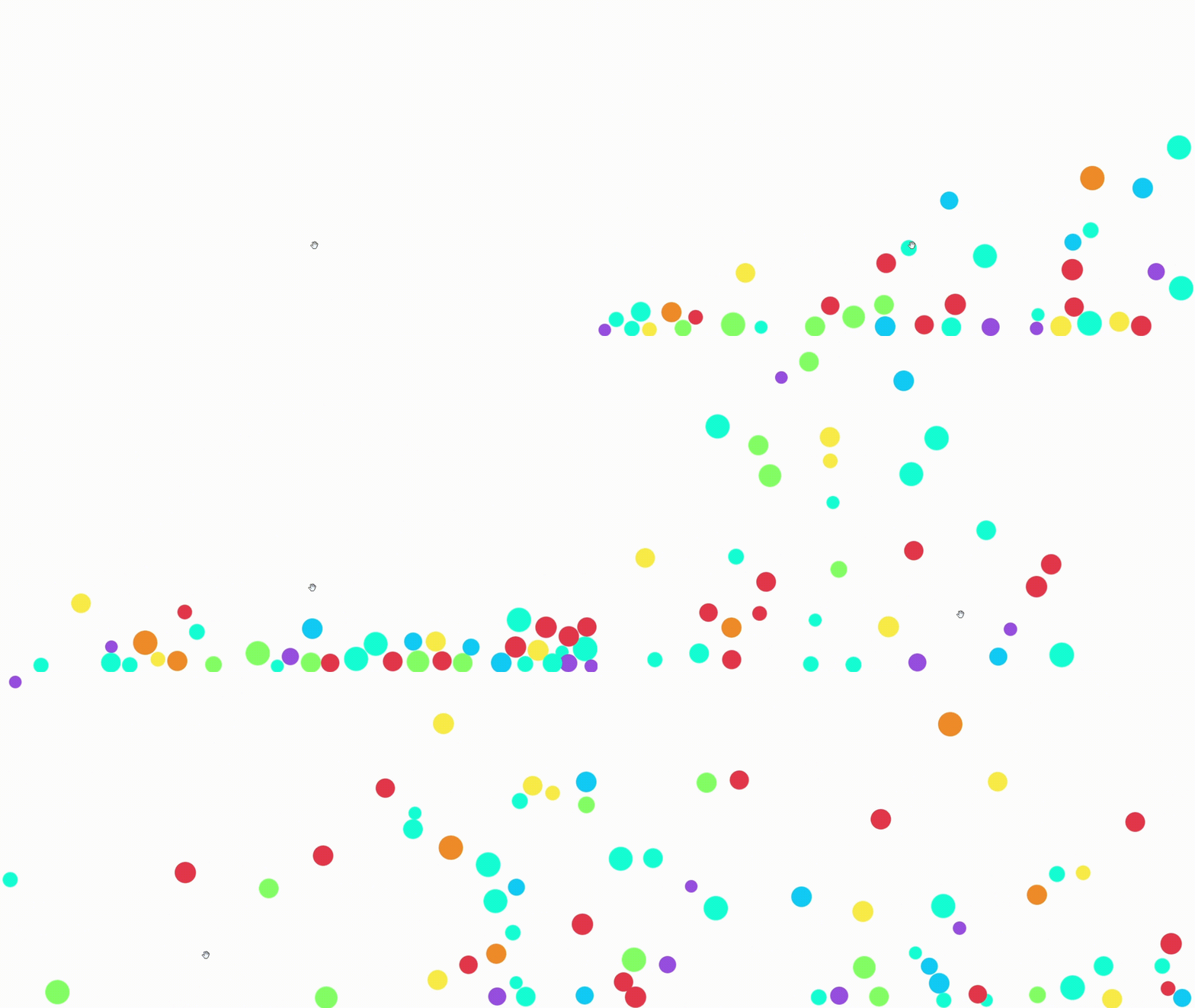
💥 A lightweight and customisable JavaScript library for simulating particle physics, including collisions, gravity, and mouse interactivity. Perfect for creating dynamic visual effects.


A lightweight and customisable JavaScript library for simulating particle physics, including collisions, gravity, and mouse interactivity. Perfect for creating dynamic visual effects.
npm install 2d-collision
The library provides the following key functions:
createParticle(radius, mass, element, container) – Creates a single particle and adds it to the simulation.
radius(number) – determines particle's sizemass(number) – determines particle's weightelement(string) – the HTML element that you'd like to turn into a particlecontainer(string) – the HTML element that you'd like to act as the container for the particlecreateParticles(radii, masses, elements, container) – Creates multiple particles at once.
editParticles() – Modify properties of particles by selecting them via their class. Function provides the following arguments:
particlesClass (string) – The class of the HTML elements representing the particles.setVelX, setVelY (number) – Sets the velocity of the particles along the X and Y axes.addVelX, addVelY (number) – Adds to the current velocity of the particles along the X and Y axes.multiplyVelX, multiplyVelY (number) – Multiplies the current velocity of the particles along the X and Y axes.setPosX, setPosY (number) – Sets the position of the particles along the X and Y axes.addPosX, addPosY (number) – Adds to the current position of the particles along the X and Y axes.multiplyPosX, multiplyPosY (number) – Multiplies the current position of the particles along the X and Y axes.setRadii (number) – Sets the radii of the particles.addRadii (number) – Adds to the current radii of the particles.multiplyRadii (number) – Multiplies the current radii of the particles.setMasses (number) – Sets the masses of the particles.addMasses (number) – Adds to the current masses of the particles.multiplyMasses (number) – Multiplies the current masses of the particles.
Example:
// Create a single particle
createParticle(10, 1, document.querySelector('#circle'), document.querySelector('#container'));

// Create multiple particles
createParticles(12, 3, document.querySelectorAll('.circle'), document.querySelector('#container'));

// Edit particles
editParticles({
    particlesClass: 'circle',
    setVelX: 5,
    addPosY: 10,
    multiplyRadii: 1.5
});
The library includes several global settings to control particle behavior:
Particle.acceleration (Vector) – Controls gravity direction.Particle.acceleration.x = ..., Particle.acceleration.y = ...Particle.collisionDamping (number) – Reduces velocity after collisions.Particle.enableCursorForce (boolean) – Enables or disables interactive forces from the cursor.Particle.cursorForce (number) – Strength of the cursor's interactive force.Particle.containerPadding (number) – Sets padding around the container to prevent particles from touching edges.License: MIT
Contributing: Contributions welcome! Please feel free to submit a Pull Request.
Download counts and popularity will appear here as the collector receives them.
This describes our collected data; it is not a security assessment.
Observed since 20 Oct, 19:10 UTC
No superseded metadata states collected. Unchanged observations do not create new revisions.
package:e695622963165c27def0a472f569742187aa8175f7d44ed240bafc64d45b2ed5